 Dealer App
Dealer App
Dealer App
Download the brand new NTP app now.
Free to download. Sign in with your existing NTP dealer account.
App Store or Google Play. 30 seconds.
Same email and password as nationaltruckparts.com. Your tier carries over.
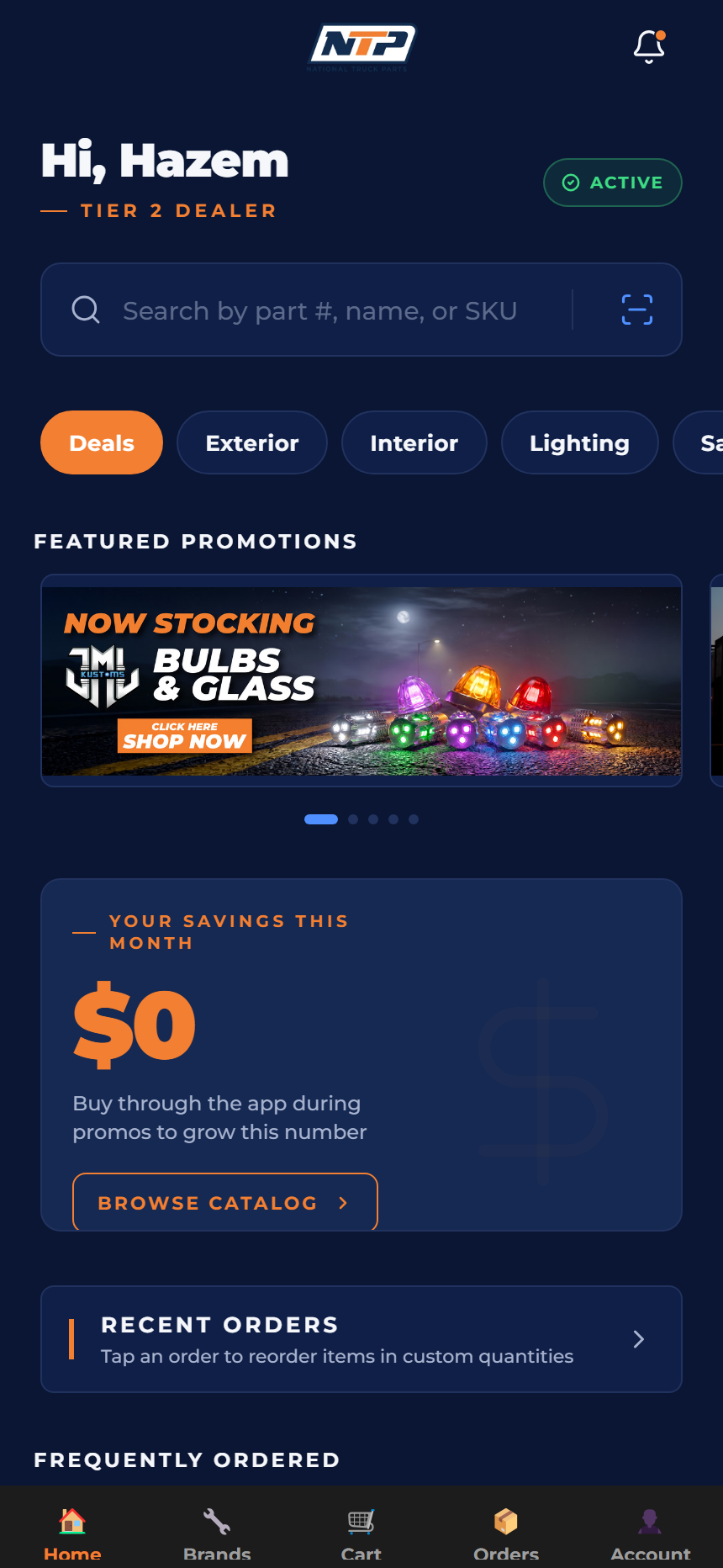
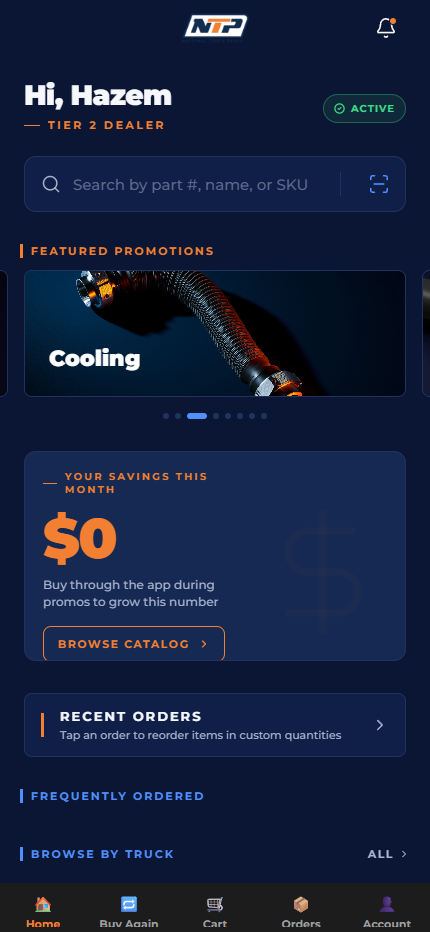
Browse, search, reorder. Dealer pricing on every part.
Sign in once. The app pulls your exact tier pricing from NTP and shows it on every part. No more "call for price" friction.
See what's actually on the shelf before you promise a customer. In-stock filter narrows your view to parts ready to ship today.
Past orders sit in your Orders tab. Tap Reorder, review the cart, you're done. Tap-to-edit qty if a customer needs more.
Built dark, designed for the bay floor. Real screens, not mockups.
No. Sign in with the same email + password you use on nationaltruckparts.com. Your dealer tier, payment terms, and customer record all carry over automatically.
Never. Free to download from the App Store or Google Play. Dealer pricing inside the app matches what you'd get over phone or web order — sometimes better, because the app surfaces volume-break pricing and same-week deals.
Yes — share the link with anyone on your team. They each sign in with their own NTP login (or the shared account, whichever you prefer).
Email us — your account manager has the direct line. We're shipping fixes weekly and the app updates through the App Store / Google Play normally, so you'll see new versions appear in your phone's update list.
Yes. Sign-in uses Face ID / Touch ID where supported. Your password is stored in your phone's encrypted keychain — we never see it. Payment info, when added, goes through Braintree (the same processor banks use); we don't store card numbers on our servers.